
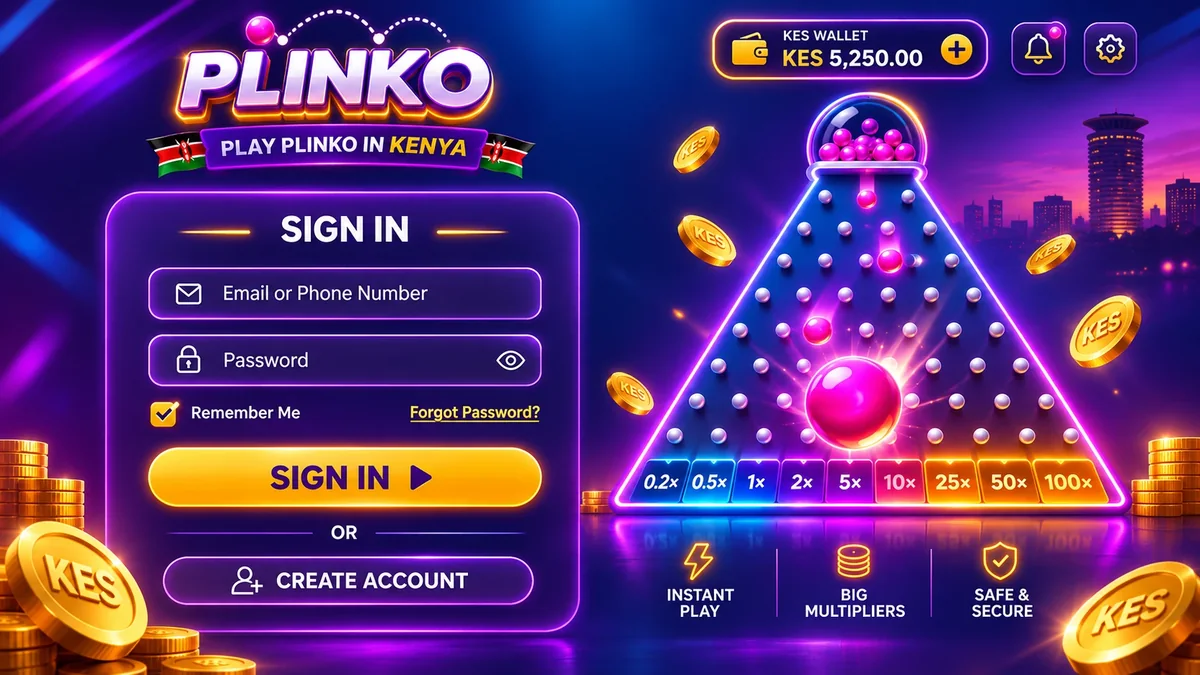
There is no Plinko account. Plinko is a game inside an online casino, and the login you use belongs to that casino. Registration takes minutes, while ID verification is a separate step that stands between you and your first withdrawal.
Plinko has no login of its own
Studios such as BGaming and Spribe supply the game to casinos. The account that holds your balance, your bonus status and your documents sits with the operator. A page that advertises a “Plinko login” is either an operator's sign-in page or a copy of one.
This changes how you protect yourself. The password, the phone number and the payment method all belong to the casino account, so a mistake at sign-up follows you to the cashier. If you are still choosing an operator, start with the real money page.
Registering in an order that avoids trouble
Check the licence before the form
Find the licence number in the footer and compare it with the regulator's list. Do it before you type a phone number into anything.
Sign up with details you will keep
Use a phone number and email you control. Where the operator accepts M-Pesa or Airtel Money, the number should be registered in your name.
Confirm the code
A code arrives by SMS or email. Enter it only on the site that sent it, and never read it out to anyone.
Choose KES as the account currency
Pick it at sign-up and check whether it can be changed later. Playing in a foreign currency adds conversion costs on every deposit.
Upload your ID when asked
Do it early. A clear photo avoids the delays that follow blurred or cropped scans.
Find Plinko and check the provider
Search the lobby for Plinko, open the game, press the info button and read the provider name and RTP before you place a bet. The demo is a safe way to find the controls first.
Open Plinko, confirm the provider in the info screen and set a deposit limit.
Documents and details to have ready
| What | Why it is asked | Tip |
|---|---|---|
| National ID or passport | Age and identity check | Photograph all four corners on a flat surface |
| Selfie with the document | Matches you to the ID | Daylight, no filters, no hat |
| Proof of address | Requested by some operators | A recent utility bill or bank statement, if asked |
| Phone number | Codes and account recovery | Use a number you keep for years |
| Payment method in your name | Deposits and withdrawals must match | Do not borrow a friend's M-Pesa line |
Once you are in, the how-to-play page walks through the controls. Operators differ in what they request and when. Some ask at registration, others only at the first withdrawal. We have not verified the exact list for any named operator, so use this table as a preparation list and not as their policy.
When sign-in fails
| Problem | Likely cause | What to do |
|---|---|---|
| SMS code does not arrive | Network delay or wrong number | Wait two minutes, request one new code, check the number on the account |
| Password rejected | Typing error or an old password | Use the reset link on the operator's site, not a link from a message |
| Account locked | Too many wrong attempts | Wait for the lock to end or write to support from the registered email |
| Page looks different or asks for your M-Pesa PIN | A lookalike page | Close it, type the address yourself and change your password |
| Logged out of the app | Session expired | Sign in again and check that the address or app name is the same |
Your account, your rules
Register with a limit already in mind
Pick the session budget in KES before you open the cashier. 18+ only.
Habits that protect the account
Use a password you have not used elsewhere. Switch on two-step verification if the operator offers it. Do not share SMS codes, passwords or your M-Pesa PIN, with support or with anyone else. An operator's own app signs in to the same account, so the same rules cover it.
Bookmark the sign-in page once and use only the bookmark. Log out on a shared phone. Treat messages that offer “login help” or a bonus for signing in through a link as phishing, whatever channel they arrive through. Finally, check the deposit limit setting before your first top-up, because it is easier to set before you have won or lost.